
two cameras,
one coach
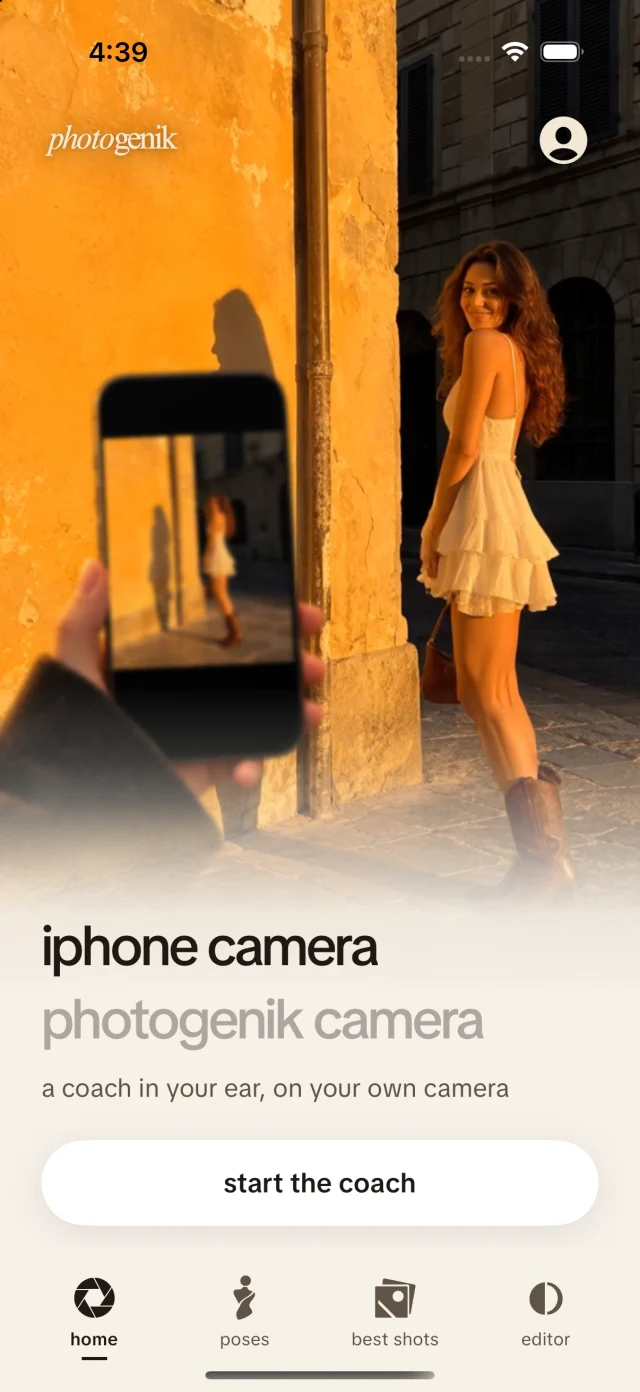
iphone camera
- shoot in Apple Camera
- your coach watches the screen and talks you through it
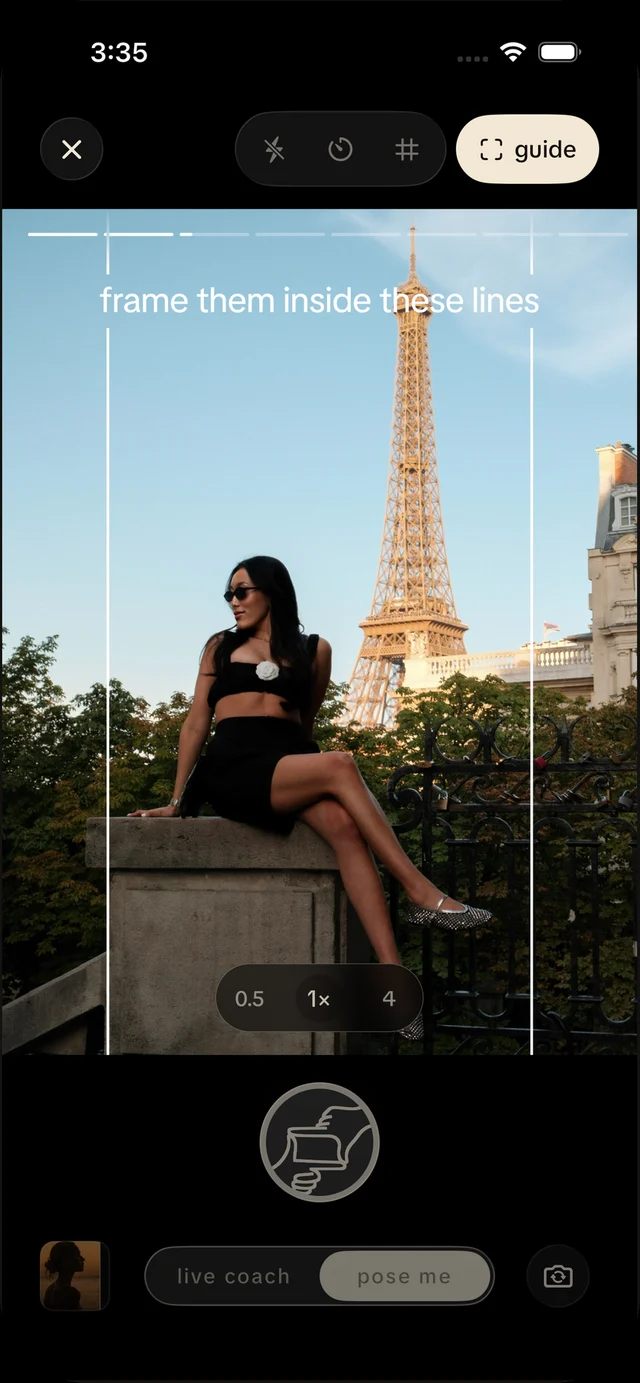
photogenik camera
- pick a pose and hand over the phone
- visual guide shows where to stand and frame the shot
your personal photo coach

250k+people
coached
4.7 starstop photo
companion
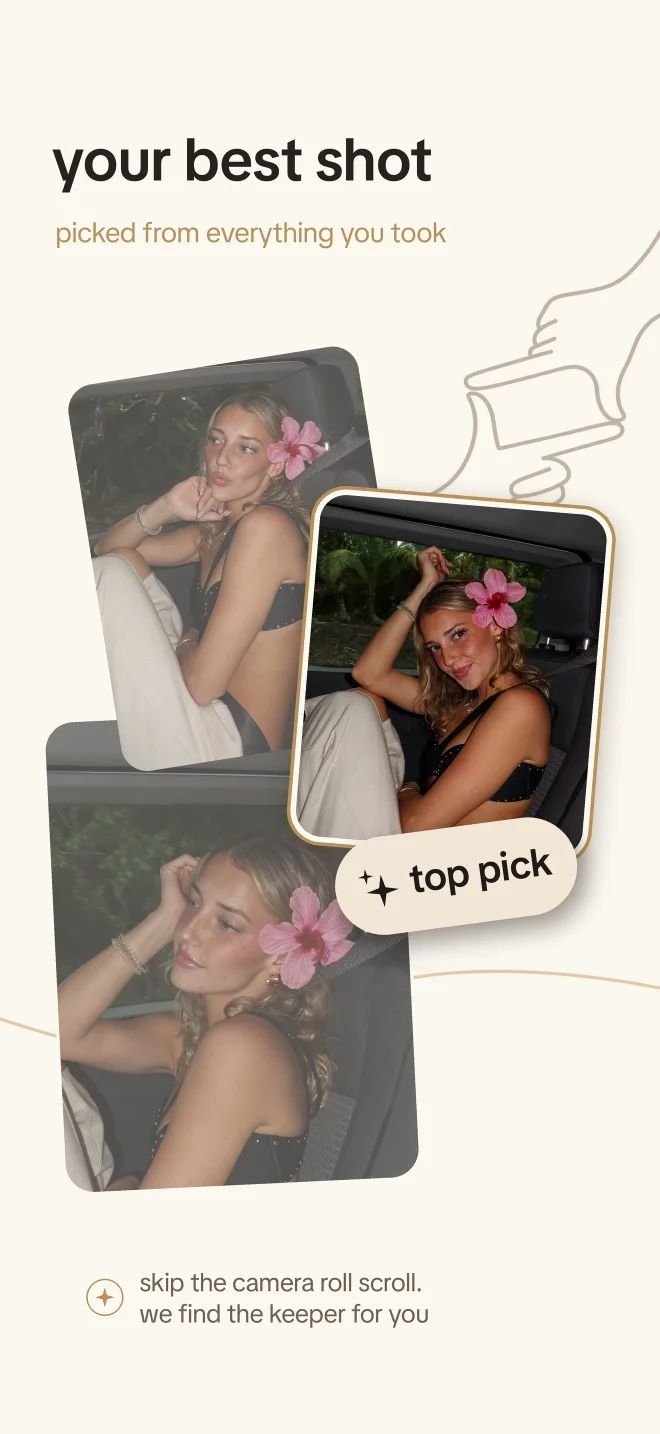 that’s the whole shoot. free to download.
the coach, to yourest hand on surface.
the coach, to youlean back.
the guide, to your friendstep back a little. let the sea in.
the guide, to your friendthat’s the view.
the cameragot it. frame 12, kept.

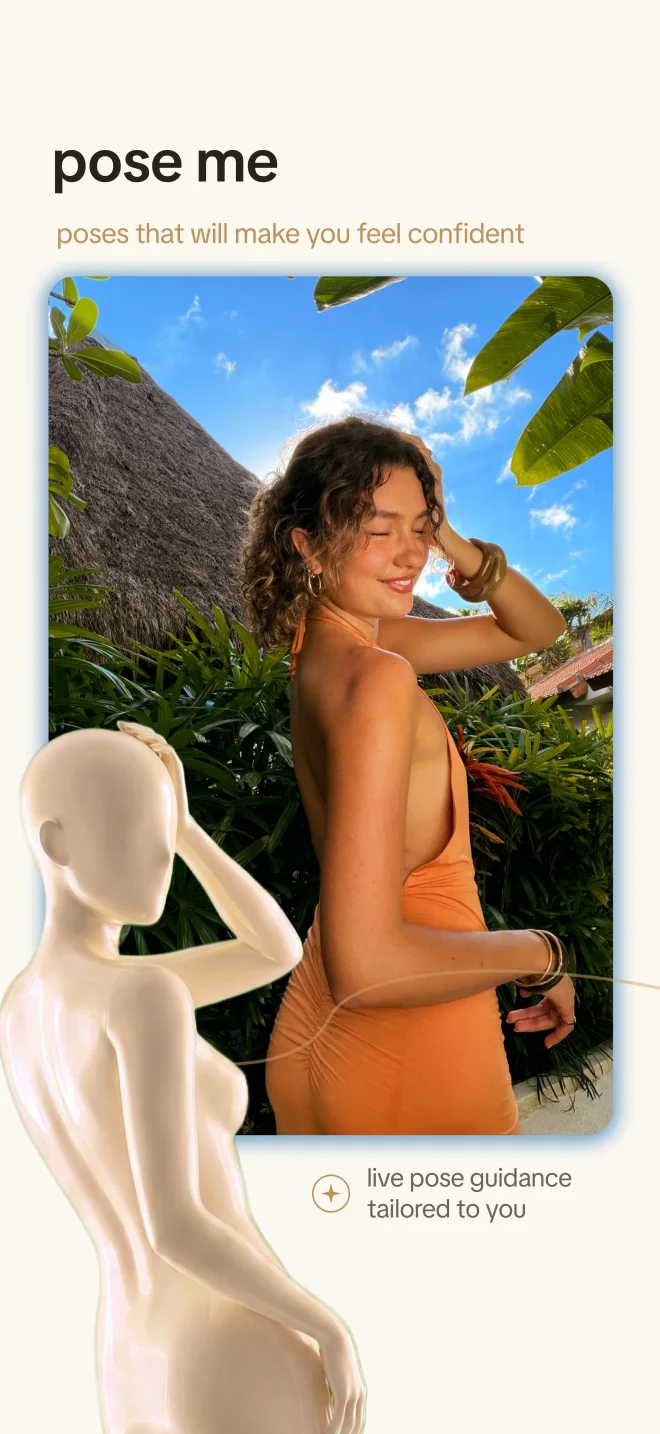
a pose library of 350+ poses, tailored to you. here are twelve.
 mirror lean
 walking together
 on the stairs
 hand in pocket
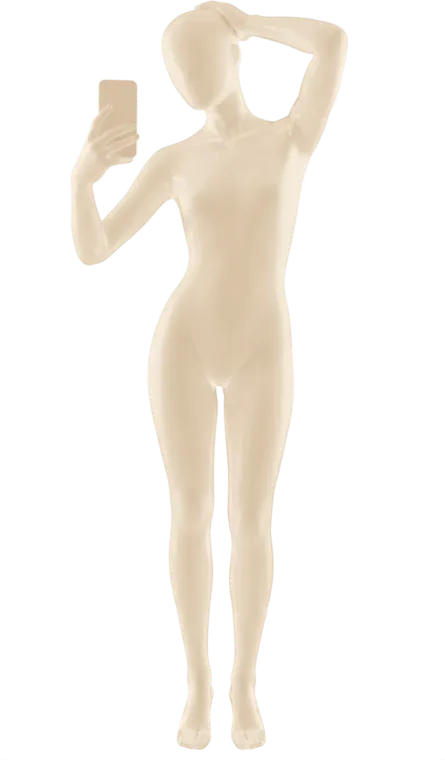 mirror, hair up
 side hug
 coffee in hand
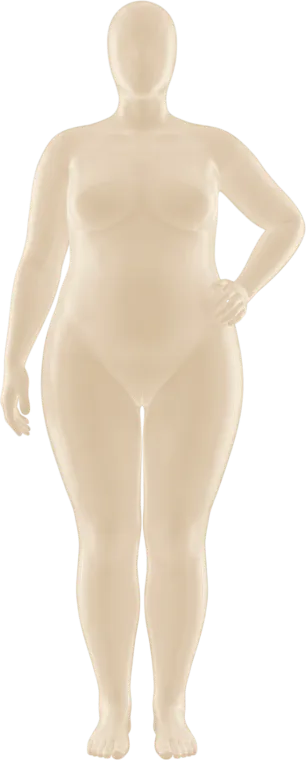 hand on hip
 mid-step
 sunnies off
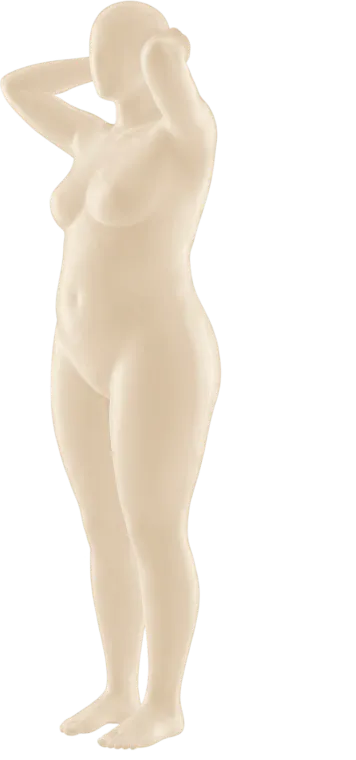 hair, side on
 lounging
pick a run of photos and best shots sorts them into post, keep and delete, with a reason for each. try it on six frames from the shoot you just scrolled through: which would you post?
tap one, then see what best shots would do.

tap a look, hold the photo to see the before
“everyone’s pocket
hype man + best friend.”
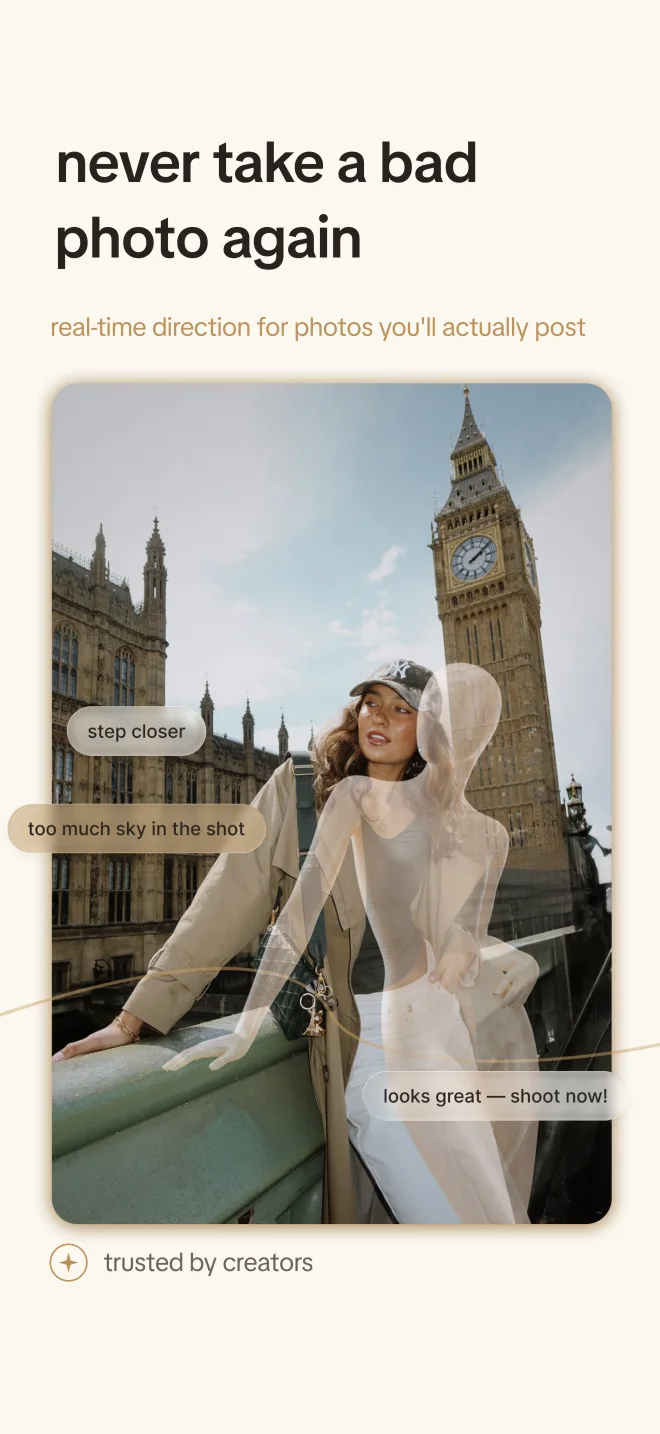
it tells the person taking pictures of you what adjustments to make so you’re actually happy with the photos.
super helpful when taking pictures of my girlfriend… she finally likes the shots I get!
I thought I was ugly. BUT ACTUALLY I’m him with this app lets go
I feel so awko taco taking photos sometimes and this really does not only help me but my friend taking the photo as well.
if you’re looking for posing help or help perfecting your photos!!! this will change the game
Beautiful App, easy to use
for creators who want to make videos with us, from UGC to your own take on a shoot. tell us who you are and where you post. your socials show us the rest.
we read every application and email the creators whose style fits what we’re making next.
still stuck? email hello@photogenik.app and a person writes back. creators, the creator club is the place to start.
the iphone camera keeps you in Apple Camera and adds a coach you can hear. the photogenik camera is our own camera, with poses and framing guides on screen for whoever’s holding the phone. both share one coaching allowance.
no. there are poses made for selfies and mirror shots, and the hands-free series takes a run of photos on a timer while the phone is propped up. a friend just gets the guides too.
photogenik is free to download. premium is a subscription, monthly or annual, and the price for your country is shown before you buy. eligible annual plans start with a free trial. you can cancel in your Apple Account settings at least 24 hours before it renews.
editing runs on your iPhone. cloud coaching and best shots only work after you give each one permission, and you can turn either off in profile, privacy, AI permissions. the full details are in our privacy policy.
choose the photos you want compared and best shots sorts them into post, keep and delete. it uses credits, separate from coaching; included credits and optional packs are shown in the app.
soft light turns the screen into a warm ring light for front-camera shots. the hands-free series shoots a run on its own once the phone is propped up. and you can say “pause coaching” or “resume coaching” without touching the phone.
any iPhone on iOS 18 or later.
visit support or email hello@photogenik.app.
free to download for iPhone. premium subscription with a free trial on eligible annual plans.